.png)
.png)

Scheduled reports not working

Mar 27, 2026
If a scheduled report fails to send, it may be caused by a block not having a sensor assigned to it.
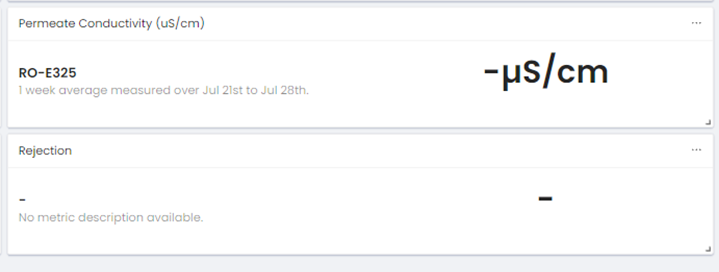
In the image below, the top block is correctly configured with a sensor assigned to it.
The bottom block has no sensor assigned to it, which may be the cause if this report is not sending per the schedule.
Assigning a sensor to the block should correct the issue.